Download this file?Files of this type may harm your phone. Only download files from sources you trust.
Click "Download" to begin.

Instant payments
Safe. Secure. Simple
Mobile data saving
Click "Download" to begin.
Open the "Install unknown apps" section in Settings.
Allow app installation from unknown sources.
Select the downloaded app file
Tap "Install"

App installed
Open the App Store
Go to your account
Click on your name
Tap "Country/Region"
Press "Change Country or Region"
Select Nigeria as your country
Accept user agreement
Fill in the address fields as shown. Select "None" from the list of payment methods, then click "Next"
 PariPesa
Go to the App Store and search for "PariPesa", or follow this link in your browser.
If you receive an error message, you'll need to create a new account. Go to appleid.apple.com to re-register and select Nigeria as your country
and select "Sign out"
Log in with your new account,
Wait until the website has loaded completely and press the "Share" button.
Select “Add to home screen”
PariPesaPress “Add” in the upper-right corner to confirm.
PariPesaPariPesa successfully added.
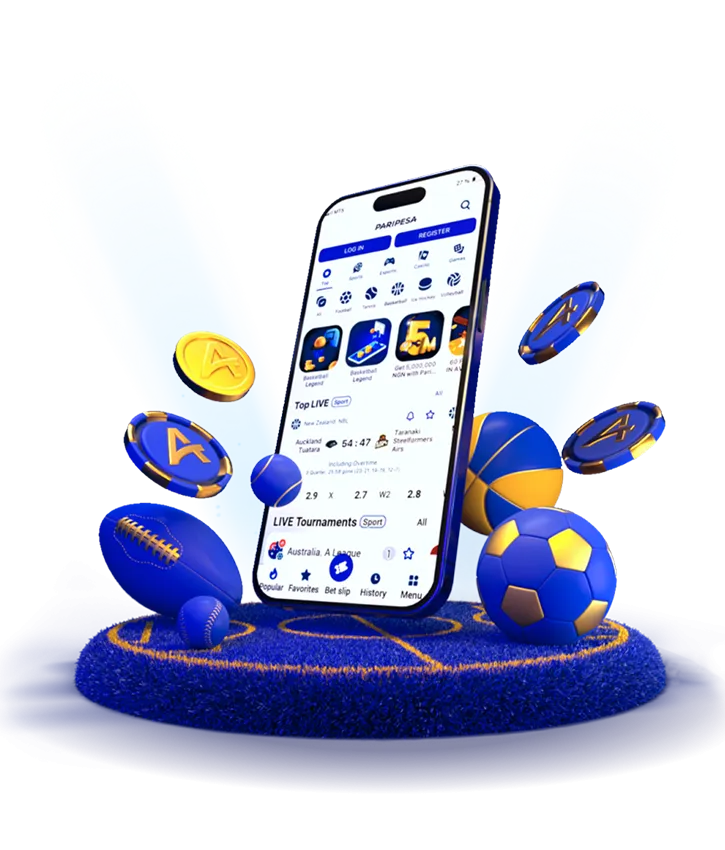
PariPesa is one of the most trusted and much-loved virtual bookmakers. In 2026, this sports betting site will provide punters with the PariPesa APP for iOS and Android smartphones and tablets. Let's get to know the key features of the app that this bookmaker with best odds offers now.
PariPesa perfectly understands that thousands of its customers prefer betting and playing casino games on their mobile devices. That is why this virtual bookmaker welcomes all new and existing gamblers to download the best betting app for sports for both iOS and Android smartphones. After that, you can enjoy instant real-time odds with the best betting lines, great weekly promos, and intuitive navigation.
Additionally, it is tremendously easy to use these apps for deposits and withdrawals via the safest and the most convenient payment methods including Bitcoin, Jeton, Skrill, and many others. To upload an application you prefer for betting, go to the APPS section on the site and choose from either iOS or Android.
PariPesa APK is considered to be the best app that provides players with the opportunity to make minimum deposits. So, you can deposit a minimum of $1 and select from plenty of betting odds including today's football betting odds. For example, the following payment methods can be used in the app for depositing a minimum sum:
Jeton/AirTM/BTC/LTC/PayDo/Neosurf/Perfect Money – 1 USD.
Cardano/Neteller/Jeton – 1 EUR.
Skrill 1 Tap – 2 EUR.
This Top 1 betting app provides bettors from more than 80 countries with a wide selection of valuable features for successful and enjoyable gambling. The key ones are:
Easy to upload and install;
Plenty of live events;
Intuitive navigation and friendly interface;
Severe authentication protocols;
Real-time updates;
Alerts for promotions, game results, and personalized updates;
Exclusive offers and bonuses for mobile bettors;
Responsive support for mobile users.
This best betting app for sports provides its loyal clients with plenty of sports betting options. You can select from over 1,000 daily events that are available for wagering 24/7. The trendiest ones are football, table tennis, cricket, basketball, volleyball, racing, boxing, and many other sports.
Furthermore, PariPesa provides players with a huge assortment of all sorts of games. You can select from plenty of slot machines from top developers, as well as live dealer games, various types of roulette games, baccarat, blackjack, and many other gaming products. For example, if you are a true fan of Crash games, you can play a tremendously popular Aviator game on PariPesa using crypto or fiat money.
In addition, this most popular betting app welcomes fans of Esports to choose from such trendy games as FIFA, DOTA, Dead or Alive, League of Legends, Need for Speed, King of Fighters, and many other great games in this category.
Both iOS and Android apps on PariPesa prioritize software protection and standard updates to guarantee the utmost security and reliability for mobile betting. An iOS app benefits from the severe App Store review process, which ensures only verified and secure update processes. Moreover, Apple's safeguarded ecosystem completely minimizes the risk of malicious software.
On the other hand, being one of the most popular betting apps, Android emphasizes the flexibility of its open-source system. It eliminates any potential threats through Google Play Protect, which regularly scans the app for malware. Therefore, both sports betting apps push frequent updates, which concern any possible vulnerabilities. It makes the software entirely protected and boosts the overall app performance.
Of course, you can. This virtual casino provides international gamblers with a wide variety of slot machines, including jackpot games, classic slots, Megaways, and many other types of this popular game.
When you download an exclusive PariPesa APP for iPhone devices, you can bet for real money on dozens of sports including baseball, Formula 1 race, NBA, soccer, baseball, cricket, horse racing, UFC, and many other sports.
Yes, surely. You can win big if you use various betting strategies, take advice from experienced bettors, study statistics of previous games of your favorite teams, and stay disciplined.